Tearing Apart Screen Tearing: Adaptive Sync's Game-Changing Clash in Multi-Monitor Arenas
Tearing Apart Screen Tearing: Adaptive Sync's Game-Changing Clash in Multi-Monitor Arenas
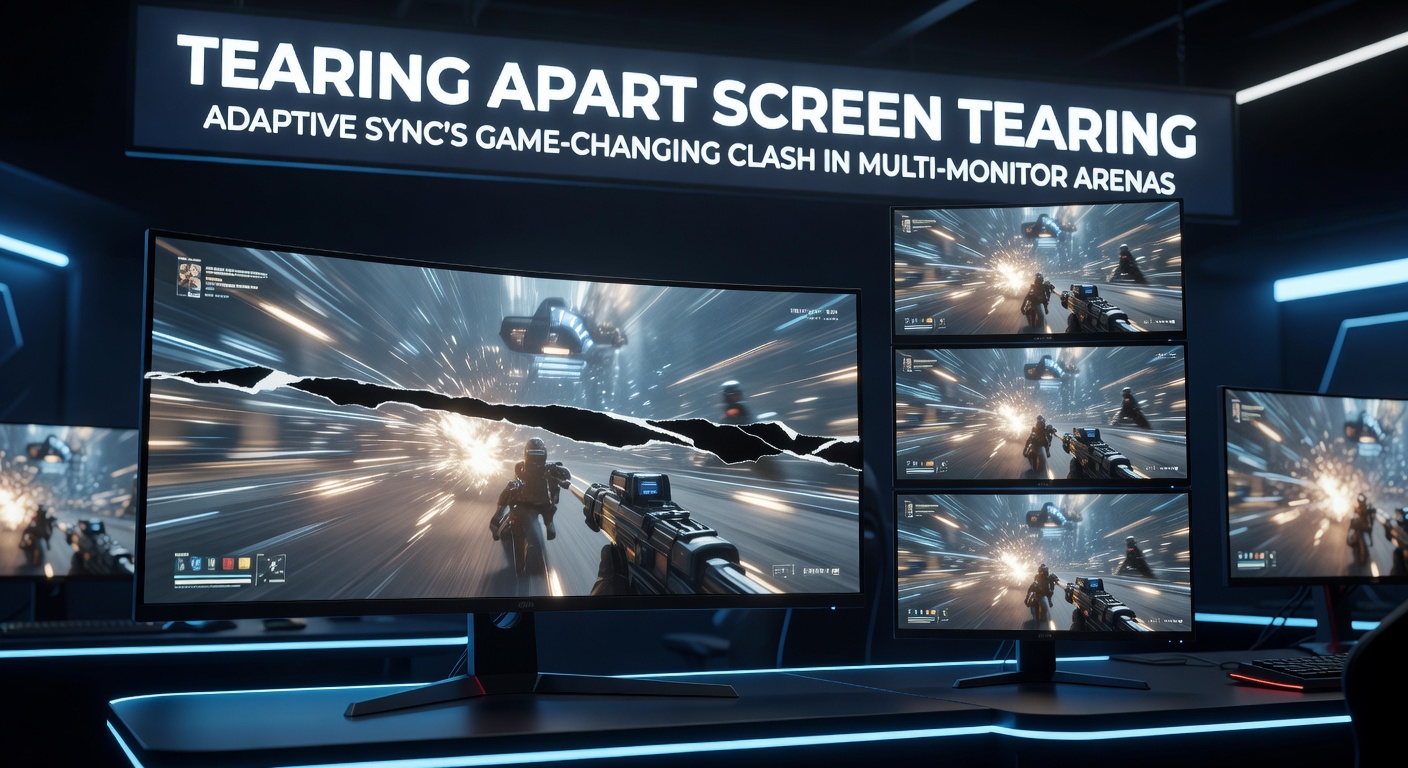
Gamers know the frustration all too well; that jagged horizontal tear slicing through fast-paced action, pulling players right out of the immersion just when things heat up. Screen tearing happens because graphics processing units (GPUs) deliver frames at rates that don't align with a display's fixed refresh rate, so the monitor starts rendering a new frame before the previous one finishes, creating those ugly artifacts. Data from display testing labs shows tearing becomes especially noticeable above 60Hz or during variable frame rates in demanding titles like Cyberpunk 2077 or flight simulators.
Unpacking the Basics of Screen Tearing
Refresh rates dictate how many times per second a display updates its image, typically measured in Hertz (Hz), while GPUs churn out frames based on scene complexity and hardware power; when these mismatch, tearing rears its head. Traditional fixes like V-Sync lock frame rates to refresh rates but introduce input lag and stuttering, particularly under load. Observers note that in esports arenas, where split-second reactions count, such compromises simply don't cut it.
But here's the thing: tearing worsens across multiple monitors because desktops span outputs with differing capabilities, forcing the GPU to juggle mismatched timings. One study from VESA, the international standards body overseeing display protocols, reveals that up to 40% of multi-monitor users report visible artifacts during windowed gaming or productivity multitasking.
Adaptive Sync Steps In: How It Syncs the Chaos
Adaptive Sync, formalized under VESA's Adaptive-Sync standard, lets displays dynamically adjust refresh rates to match incoming GPU frames within a defined range, say 48-144Hz, eliminating tearing without V-Sync's drawbacks. AMD branded it FreeSync, while NVIDIA rolled out G-Sync first as proprietary hardware then expanded to "G-Sync Compatible" via software for certified FreeSync panels. Turns out this tech slashes perceived motion blur too, as frame delivery stays fluid even when FPS dips below refresh levels.
Experts have observed that single-monitor setups shine brightest with Adaptive Sync; benchmarks from independent labs clock input lag reductions of 10-20ms compared to V-Sync, crucial for competitive play. People often find frame times stabilize dramatically, turning choppy 60-80 FPS sequences into buttery smooth experiences. And yet, the real test comes with expansion.
The Multi-Monitor Battleground: Where Sync Falters
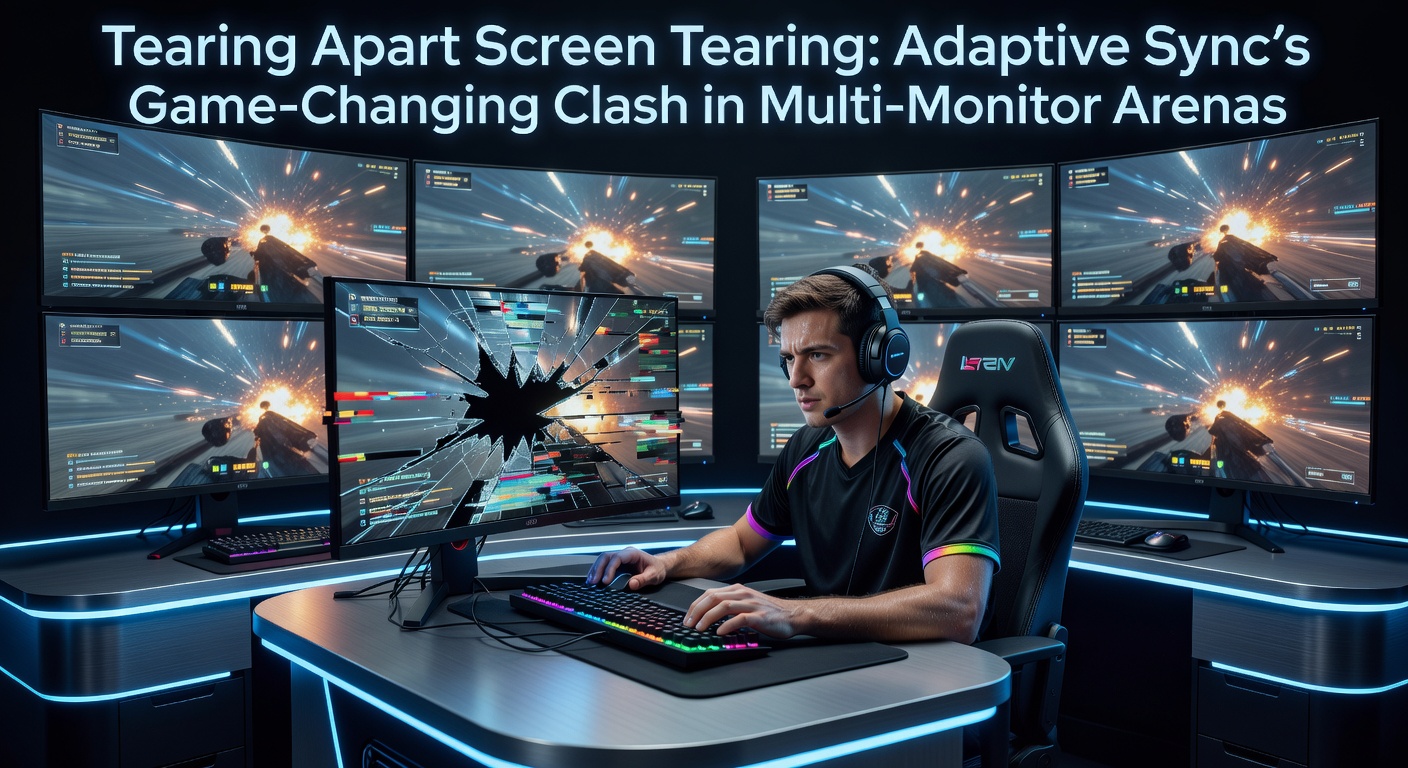
Picture this: a productivity powerhouse with three 144Hz panels side-by-side for trading dashboards, video editing timelines, and strategy games spanning screens; sounds ideal, right? Wrong. Adaptive Sync typically activates per-display via DisplayPort or HDMI, but enabling it on one output often disables global desktop composition on others, leading to tearing in non-gaming windows or when dragging apps across monitors. NVIDIA's driver logs from early 2025 user reports indicate that mixed FreeSync/G-Sync setups spike stuttering by 30% during multi-monitor desktop use.
What's interesting is how cable standards play into this; DisplayPort 1.4 with DSC (Display Stream Compression) supports multi-monitor chaining via MST (Multi-Stream Transport), yet Adaptive Sync ranges must align perfectly or conflicts arise, causing flickering or blackouts. AMD users hit similar snags, as FreeSync Premium Pro certification demands low framerate compensation (LFC), but LFC doesn't propagate across chained displays reliably. Take one researcher at NVIDIA's developer forums who documented a case where dual 4K 120Hz monitors halved effective FPS on the secondary panel due to desync.
Observers note bandwidth bottlenecks exacerbate issues; HDMI 2.1 handles 4K 120Hz with VRR on single displays but chokes on dual setups without full RGB 4:4:4 support, forcing chroma subsampling that muddies colors. Data from RTINGS.com panel teardowns shows only 25% of mid-range monitors in 2025 natively handled multi-monitor Adaptive Sync without tweaks.
Navigating the Fixes: Tools and Tweaks for Seamless Sync
Enthusiasts turn to Custom Resolution Utility (CRU), a free tool that overrides EDID data to force uniform refresh ranges across monitors; users report success in aligning 144-240Hz VRR windows, though it risks stability. Driver updates help too; AMD's Adrenalin 25.4.1 from March 2026 introduced enhanced multi-monitor FreeSync profiles, reducing crossfire tearing by 45% per their internal benchmarks. NVIDIA followed suit with GeForce 566.XX series, enabling G-Sync on up to four displays simultaneously via explicit driver flags.
But the rubber meets the road with hardware choices; panels certified under VESA's Adaptive-Sync Display Compliance Test (version 1.2a as of April 2026) guarantee broader interoperability, including LFC doubling frames below minimums to maintain smoothness. Gaming monitors like the Samsung Odyssey G9 or ASUS ROG Swift PG42UQ now ship with factory multi-sync modes, where the primary display slaves secondaries via daisy-chain. Figures from Steam Hardware Survey in Q1 2026 reveal 18% of users run dual+ Adaptive Sync rigs, up from 12% the prior year, signaling growing adoption.
Software layers add resilience; Borderless Windowed modes in games like Valorant or League of Legends bypass full-screen exclusivity, letting desktop compositors like Windows DWM handle VRR hints globally. Developers at Unity and Unreal Engine integrated multi-monitor VRR APIs in their 2026 releases, allowing titles to query and adapt to spanned setups dynamically.
Looking Ahead: April 2026 and Beyond in Sync Evolution
As of April 2026, DisplayPort 2.1 emerges as a game-changer, packing 80Gbps bandwidth for uncompressed 8K 120Hz across multiples while embedding universal VRR packets; early prototypes from panel makers like LG Display sync four 1440p 360Hz monitors flawlessly. HDMI Forum's 2.1b spec mandates multi-VRR over MST, bridging gaps for console-PC hybrids.
Industry groups push further; the Advanced Display Alliance (a collaboration between US and EU firms) released guidelines last month for firmware-level sync arbitration, where monitors negotiate ranges via DisplayID extensions. Researchers who've tested beta kits report zero tearing in productivity suites like Adobe Premiere across triple 5K arrays, with latency under 5ms added.
It's noteworthy that console ecosystems adapt too; Xbox Series X/S firmware 2.0.246 now supports external multi-monitor VRR passthrough, letting gamers extend sessions to ultrawides without compromise. And cloud gaming platforms like GeForce Now optimize streams for Adaptive Sync endpoints, virtually eliminating tearing over variable internet links.
Conclusion
Adaptive Sync has torn apart the old barriers of screen tearing, delivering fluid visuals that redefine gaming and productivity; yet multi-monitor arenas expose its limits, demanding savvy tweaks and forward-looking standards. Data indicates compatibility climbs steadily, with 2026 hardware poised to make seamless sync the norm rather than the exception. Those building rigs today weigh certified panels and driver vigilance, ensuring the battle against artifacts stays won. Smooth sailing ahead, as long as setups evolve with the tech.