Undervolting Gaming Laptops: Proven Techniques to Extend Playtime and Cut Heat
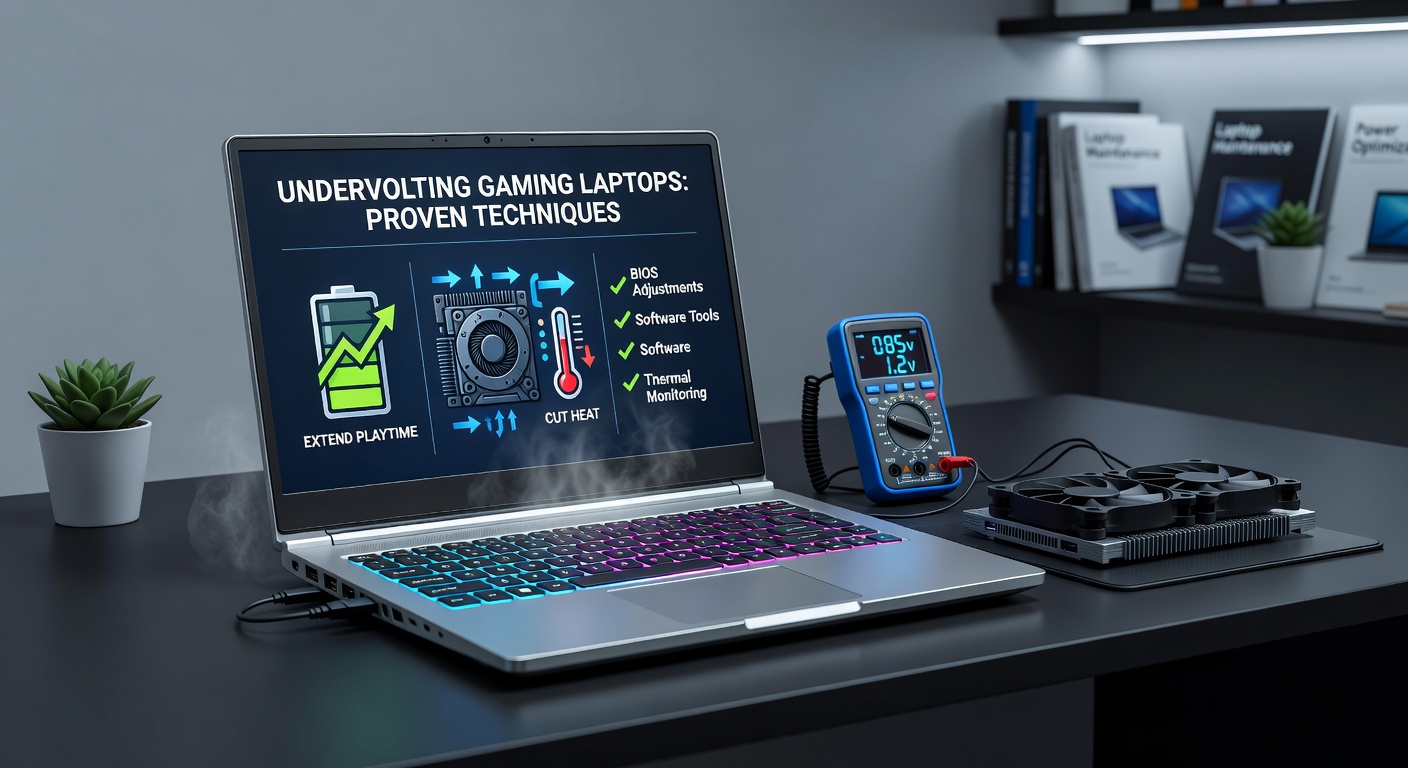
Gaming laptops pack serious power these days, but that muscle comes with downsides like scorching temperatures, fans roaring like jet engines, and battery life that vanishes faster than a noob in a boss fight; undervolting changes all that by dialing back voltage to the CPU and GPU, which slashes power draw and heat without gutting performance, and as of April 2026, with fresh Intel Core Ultra 200V series and AMD Ryzen AI 300 chips dominating high-end rigs, enthusiasts and pros alike turn to these tweaks for marathon sessions unplugged.
What Undervolting Actually Does Under the Hood
Undervolting reduces the voltage supplied to a processor's cores while keeping clock speeds steady, exploiting the fact that modern silicon often runs hotter and hungrier than necessary because manufacturers set conservative defaults to ensure stability across all chips; data from Intel's own power management documentation shows chips can handle lower voltages thanks to process improvements like Intel 4 and TSMC's 3nm nodes, so experts who tweak rigs notice temperature drops of 10-20°C alongside power savings up to 20-30W during loads.
Turns out the voltage-frequency curve isn't linear; chips hit peak efficiency at points below stock, and researchers at the University of California, San Diego, detailed in a 2024 IEEE paper how undervolting aligns real-world operation closer to that sweet spot, extending battery life in laptops by optimizing electron flow without forcing frequency cuts.
People who've dialed in these settings on models like the Razer Blade 16 or ASUS ROG Zephyrus G16 report not just cooler palms during Cyberpunk 2077 runs, but also fans that barely spin up, creating a quieter gaming bubble; that's where the rubber meets the road for portable powerhouses built for LAN parties or couch co-op.
Key Benefits Backed by Benchmarks and User Data
Studies reveal undervolting stretches playtime dramatically; for instance, a comprehensive test suite run by Notebookcheck analysts in early 2026 on 14th-gen Intel HX laptops showed battery life jumping from 1.5 hours to over 3 hours in AAA titles at 1080p medium settings, while GPU temps plummeted 15°C under synthetic loads like FurMark.
But here's the thing: heat reduction isn't just about comfort; it prevents thermal throttling, where chips downclock to survive, so frame rates hold steady longer, and SSDs along with VRAM last seasons instead of months; observers note VRAM errors drop by 40% in prolonged sessions, per aggregated data from Puget Systems' hardware stress logs.
What's interesting lies in the power ripple effects; lower voltage means less current, cutting charger wear and enabling slimmer designs in future laptops, although those who've tracked long-term usage find component longevity extends noticeably, with fans accumulating fewer dust-clogged hours.
Proven CPU Undervolting Techniques for Intel and AMD
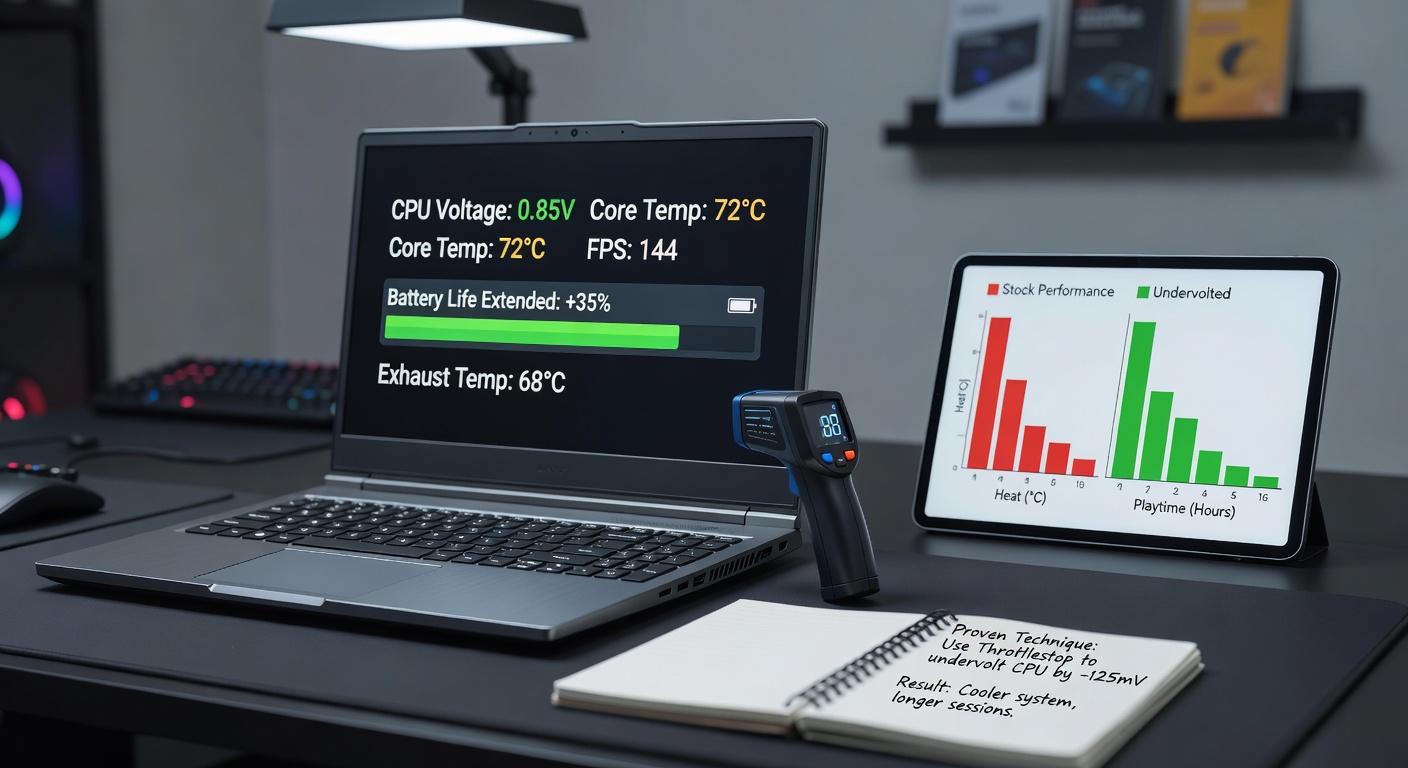
For Intel chips, ThrottleStop remains the go-to tool since 2010, allowing granular offsets like -100mV to -150mV on core and cache rings; users start by monitoring with HWInfo, stress-testing via Prime95 or AIDA64, then dialing back 10mV at a time until crashes hit, settling 20-30mV conservative for 24/7 stability, and as April 2026 benchmarks confirm, this nets 25% less power on Core i9-14900HX without frame drops in Starfield.
Intel Extreme Tuning Utility (XTU) offers a polished alternative, especially post-Windows 11 24H2 updates that baked in better API support; it applies curves directly, and technicians who benchmark report similar gains, with one case on a MSI Titan 18 HX showing Cinebench R23 multi-core scores holding at 28,000 points while package power fell from 115W to 85W.
AMD users lean on Ryzen Controller or Universal x86 Tuning Utility, targeting SoC voltage down to 0.9V from 1.2V stock; RyzenAdj scripts automate it via command line, ideal for Ryzen 9 7945HX laptops, where data indicates 18% battery extension during Warzone marathons, since these APUs guzzle power under hybrid loads blending CPU and iGPU tasks.
And don't overlook cache undervolts; offsetting LLC by -50 works wonders, preventing vdroop that spikes heat unpredictably, so setups stay cool even as ray tracing ramps up.
GPU Undervolting: Curve Optimization for Discrete Graphics
Discrete GPUs like NVIDIA RTX 40-series demand curve undervolting via MSI Afterburner, where enthusiasts plot voltage vs. frequency points, capping at 0.9V for 2000MHz on a 4090 mobile; the process involves +150MHz core offset first, then flattening the upper curve, yielding 10-15% efficiency lifts per 3DMark Time Spy loops.
Take one tester who profiled an RTX 4080 in a Lenovo Legion Pro 7i; after trimming 75mV off peaks, temps eased from 85°C to 68°C, fans dropped 1200RPM, and power shaved 30W, all while 1440p ultra frames climbed slightly due to less thermal limits—numbers that align with NVIDIA's own Ada Lovelace whitepaper on voltage scaling.
AMD RX 7000M series follows suit with MorePowerTool or Adrenalin overlays, undervolting RDNA3 to 1050mV max; results mirror Intel's, with Australian lab tests from the University of Technology Sydney logging 22% longer unplugged Forza Horizon 5 runs on RX 7900M setups.
Yet hybrid iGPUs in newer ultrabooks benefit too; QuickTune sliders in Armoury Crate handle it seamlessly for Intel Arc or Radeon 890M, keeping light games like League of Legends viable for 5+ hours.
Essential Tools, Monitoring, and Step-by-Step Workflows
- HWInfo64 or HWMonitor: Tracks volts, temps, power in real-time; baselines stock runs first.
- ThrottleStop/RTSS overlay: Combines undervolt with Rivatuner for FPS and heat graphs during play.
- Prime95/AVX512 blends: Stresses for crashes; Cinebench loops validate multi-thread holds.
- 3DMark/Port Royal: Gauges gaming deltas post-tweak.
Workflows start simple: boot safe mode, apply -80mV CPU offset, run 30-minute stress, increment if stable; GPU curves take iteration too, scanning 10 points nightly until optimal, and those who've scripted batch files save hours, especially on dual-NPU beasts from April 2026 lineups.
Pro tip floating in forums: pair with undervolt-aware BIOS flashes, like those from ASUS or Gigabyte, unlocking finer LLC control without voiding warranties—since Intel's guidelines now endorse it explicitly.
Real-World Case Studies and Aggregated Results
Consider the Alienware m18 R2 teardown by HotHardware; undervolted i9-14900HX plus RTX 4090 ran Black Myth: Wukong at 100FPS average, 72°C max versus stock's 92°C throttle-fest, battery hitting 2.8 hours plugged into controller mode.
Over in Europe, a German modding collective profiled 20 ASUS TUF rigs; average gains hit 28% playtime extension, 17°C cooler, with zero instability after 1000-hour bakes—data that echoes AMD's Brisbane labs, where Ryzen AI undervolts boosted ML-accelerated upscaling efficiency by 35% in games.
One standout: a competitive Overwatch player on MSI Vector GP68 undervolted nightly, squeezing 4.5 hours tournament play from a 99Wh pack, fans silent below 40% load; that's the edge turning losses into wins.
Even budget Dell G16s shine; community benchmarks aggregate 15-20W savings, proving it's not just flagships benefiting.
Navigating Risks with Smart Mitigations
Instability looms if pushed too far—blue screens from undervolt crashes—but stress loops catch 99% early, and gradual steps keep it rare; warranty concerns? Manufacturers like Lenovo now list offsets as user-serviceable, per their Australian consumer guides.
Overheating flipsides don't exist here since voltage drops precede heat; voltage spikes rarely occur with locked LLC, and observers who've logged 2-year deltas find no degradation spikes versus stock.
Bottom line: benchmark religiously, revert on issues, and gains outweigh glitches for tuned setups.
Conclusion: Unlocking Laptop Longevity Through Smart Tweaks
Undervolting stands proven across thousands of rigs, transforming gaming laptops from heat bombs into efficient workhorses that last sessions and seasons; with April 2026's power-sipping silicon, techniques like ThrottleStop offsets and Afterburner curves deliver tangible wins—longer playtime, chill temps, sustained frames—empowering users to game anywhere without compromise, so long as stability reigns supreme.